
Example source dimensions
Reusable asset workflow
Create transparent PNGs for any layout.
Remove the visible background, verify the alpha edge on contrasting colors, and export a PNG that can be placed in documents, storefronts, presentations, and graphics.

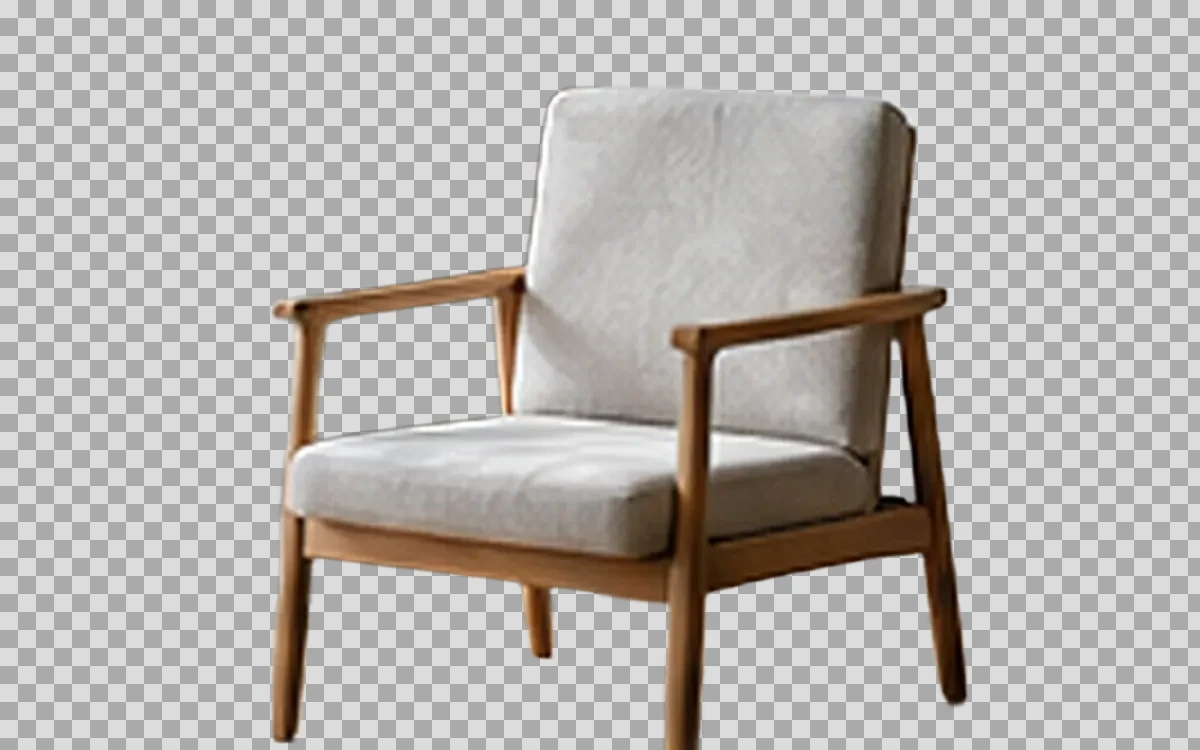
Example result dimensions
Workflow
- 1Upload a JPG, PNG, or WebP with a clear subject.
- 2Choose the subject mode that matches the image.
- 3Inspect the result on white, black, and a strong color.
- 4Download PNG and keep the original source for later corrections.
Continue with the result in another ImageAI tool when another step is needed.
FAQ
Common questions for this workflow
Why must the output be PNG?
PNG reliably carries transparency for this workflow; JPG does not support an alpha channel.
Can every semi-transparent object be isolated?
Not always. Glass, smoke, fine hair, and motion blur need close review.
Does transparency reduce image quality?
The alpha channel itself does not require visible quality loss, but the subject extraction may still contain edge errors.
ImageAI
Open ImageAIVerify the workflow with your own image.
Sign in to process your image, keep history across devices, and manage credits.