
Remove image backgrounds in seconds.
Create clean, transparent PNGs for product photos, social posts, and creative work—without manual selection.
- Sign in to process your image
- JPG · PNG · WebP
- Credits shown before processing
Upload, settings, processing, downloads, and history now live in one workspace.

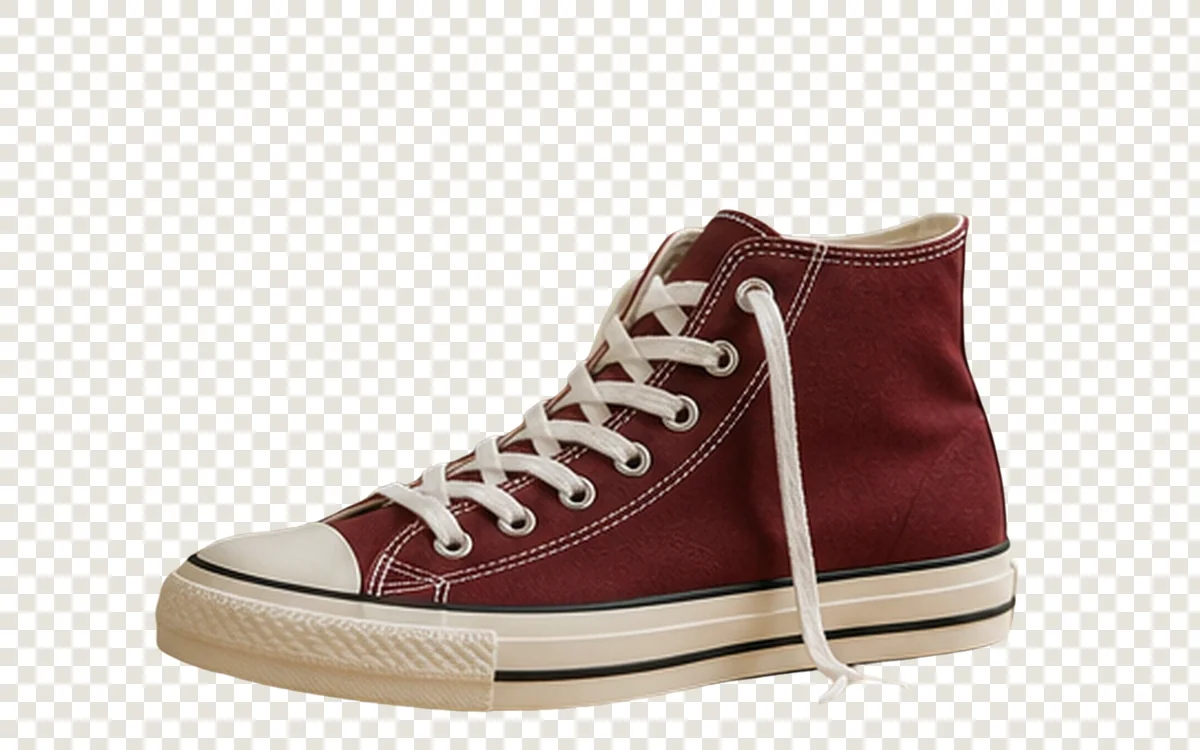
Drag to compare a matched source and result. Open the workspace when you are ready to process your own image.
How it works
One workspace, three clear steps.
- 1Upload a JPG, PNG, or WebP image.
- 2Review the automatic cutout and subject setting.
- 3Download the transparent PNG.
Good fit for
Use it when the image has one clear problem.
- Product and catalog cutouts
- Portrait and profile graphics
- Reusable transparent design assets
Files, delivery, and privacyFormats, limits, retention, and safe use
Upload only images you own or have permission to process. Eligible credits are refunded automatically when a job fails. Payment refunds, disputes, and credit validity may affect the amount or timing. Check processing history for the refund status. Result retention is shown in the workspace and account.
FAQ
Questions before you process
Which files are supported?
JPG, PNG, and WebP are supported. Your current upload limit is shown in the workspace before processing.
What output format do I receive?
Background-removal results are delivered as transparent PNG files.
Are complex edges always perfect?
Hair, translucent objects, shadows, and low-contrast edges need a close review.