
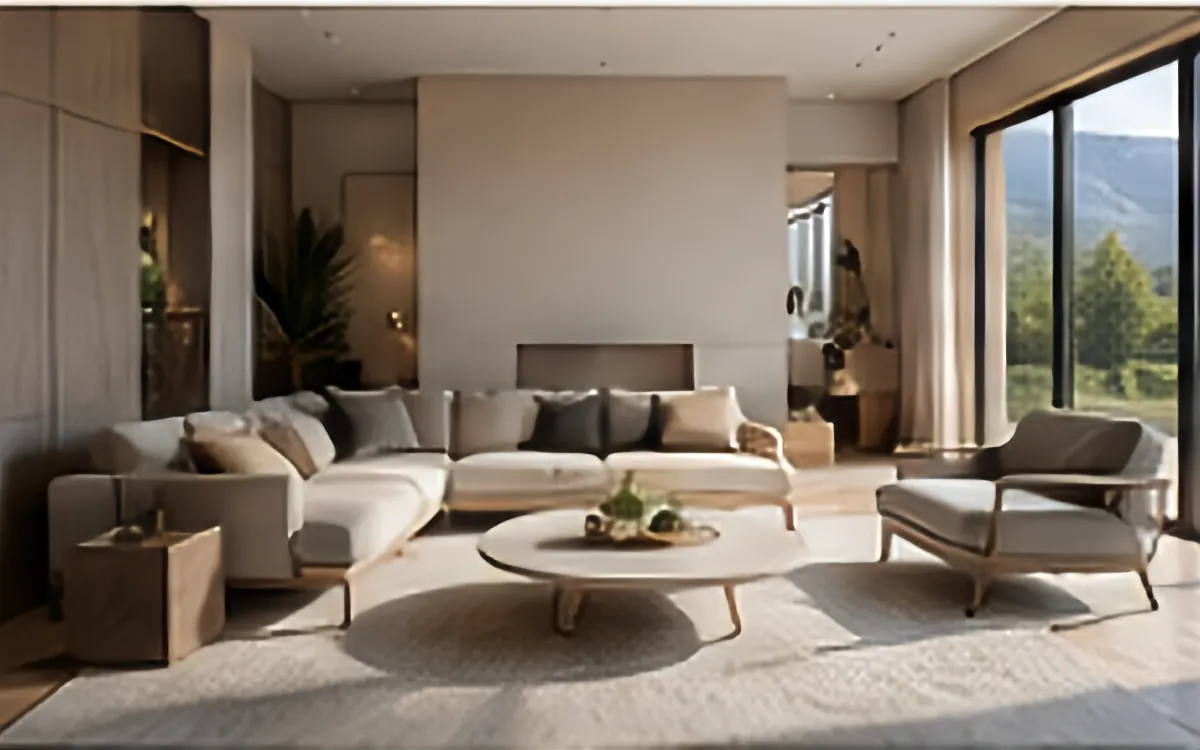
Example source dimensions
Property-photo workflow
Bring clarity to property photos.
Prepare more readable property and landscape images while keeping architectural details and scene accuracy under manual review.
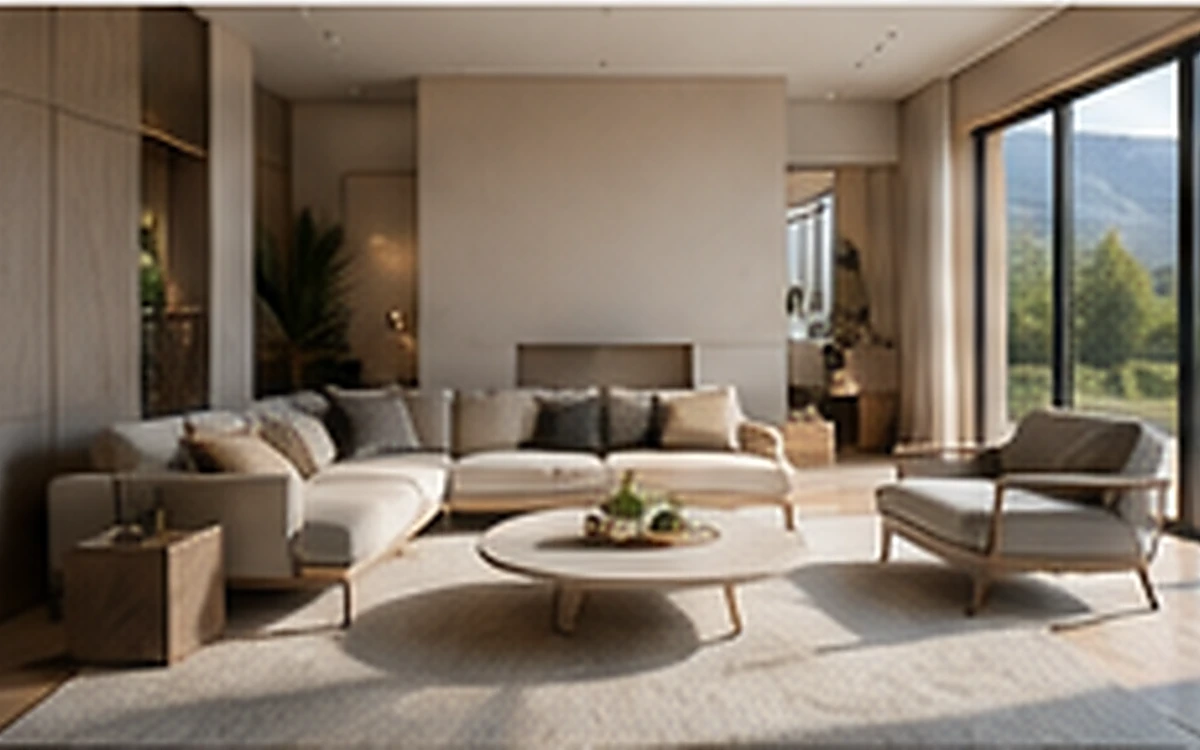
Example result dimensions
Workflow
- 1Upload the original listing photo without prior heavy filters.
- 2Use Dehaze for atmospheric haze or Tone for flat exposure.
- 3Compare windows, room boundaries, fixtures, views, and property colors.
- 4Publish only a result that accurately represents the location.
Continue with the result in another ImageAI tool when another step is needed.
FAQ
Common questions for this workflow
Can I remove permanent property defects?
Do not use enhancement to conceal material facts. Follow local advertising and listing rules.
Does dehaze always improve an indoor image?
No. Use it only when haze is actually present; Tone or Automatic may be more appropriate indoors.
Can I publish without comparing the original?
A side-by-side review is strongly recommended because enhancement can change local details.
ImageAI
Open ImageAIVerify the workflow with your own image.
Sign in to process your image, keep history across devices, and manage credits.