
Make every image clearer and sharper.
Improve clarity, contrast, and detail while keeping your image natural and ready to publish.
- Sign in to process your image
- JPG · PNG · WebP
- Credits shown before processing
Upload, settings, processing, downloads, and history now live in one workspace.
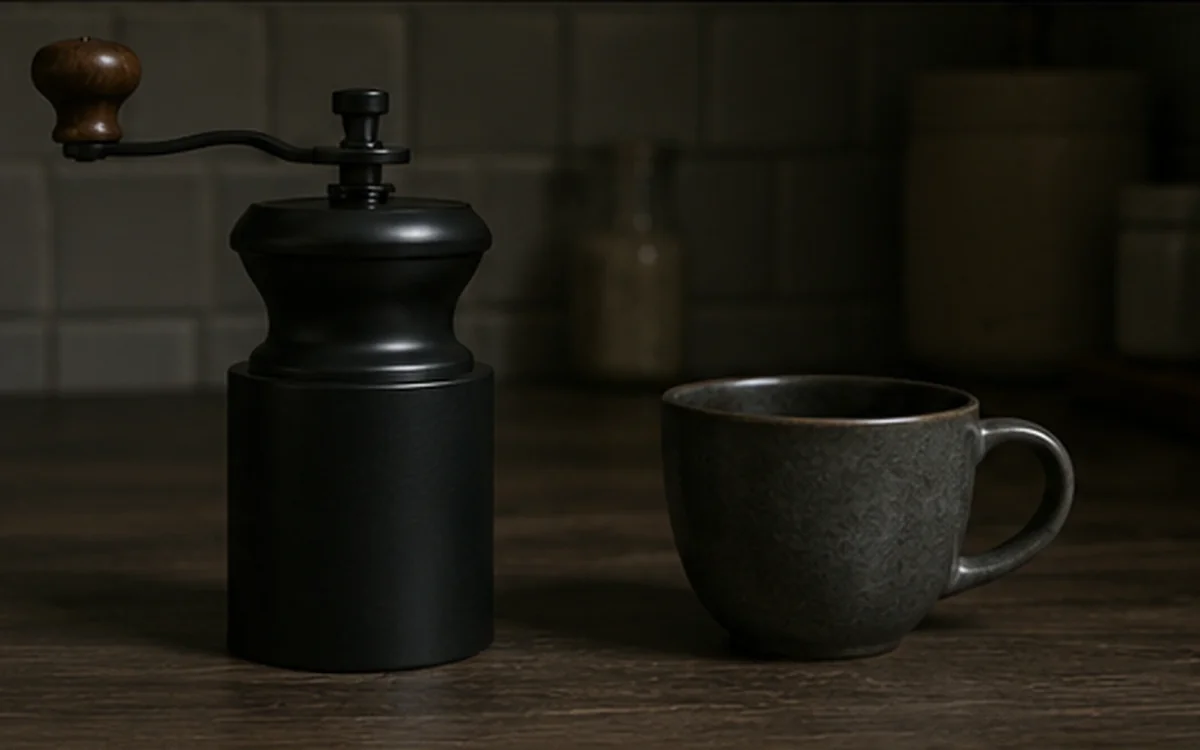
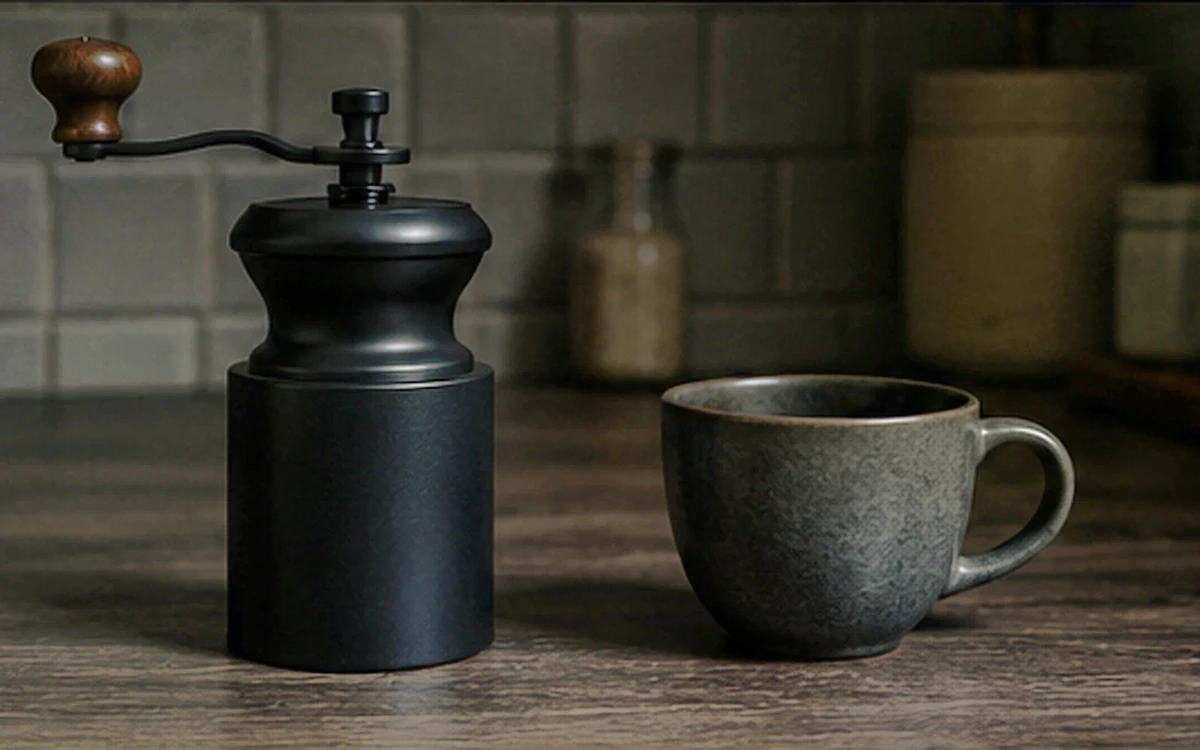
Drag to compare a matched source and result. Open the workspace when you are ready to process your own image.
How it works
One workspace, three clear steps.
- 1Upload the image you want to improve.
- 2Start with Automatic, then adjust only when needed.
- 3Compare the result before downloading.
Good fit for
Use it when the image has one clear problem.
- Dark or flat product photos
- Blog and marketing visuals
- Hazy or mildly soft existing assets
Files, delivery, and privacyFormats, limits, retention, and safe use
Upload only images you own or have permission to process. Eligible credits are refunded automatically when a job fails. Payment refunds, disputes, and credit validity may affect the amount or timing. Check processing history for the refund status. Result retention is shown in the workspace and account.
FAQ
Questions before you process
Which files are supported?
JPG, PNG, and WebP are supported. Your current upload limit is shown in the workspace before processing.
Can enhancement change image content?
It can alter local texture, color, or contrast, so compare important results with the source.
Which mode should I choose?
Start with Automatic. Use a targeted mode only for a visible tone, haze, color, or clarity problem.