
Example source dimensions
Portrait workflow
Remove backgrounds from portraits.
Prepare profile images, presentation assets, and campaign portraits with a transparent background while keeping hair and fine edges under review.
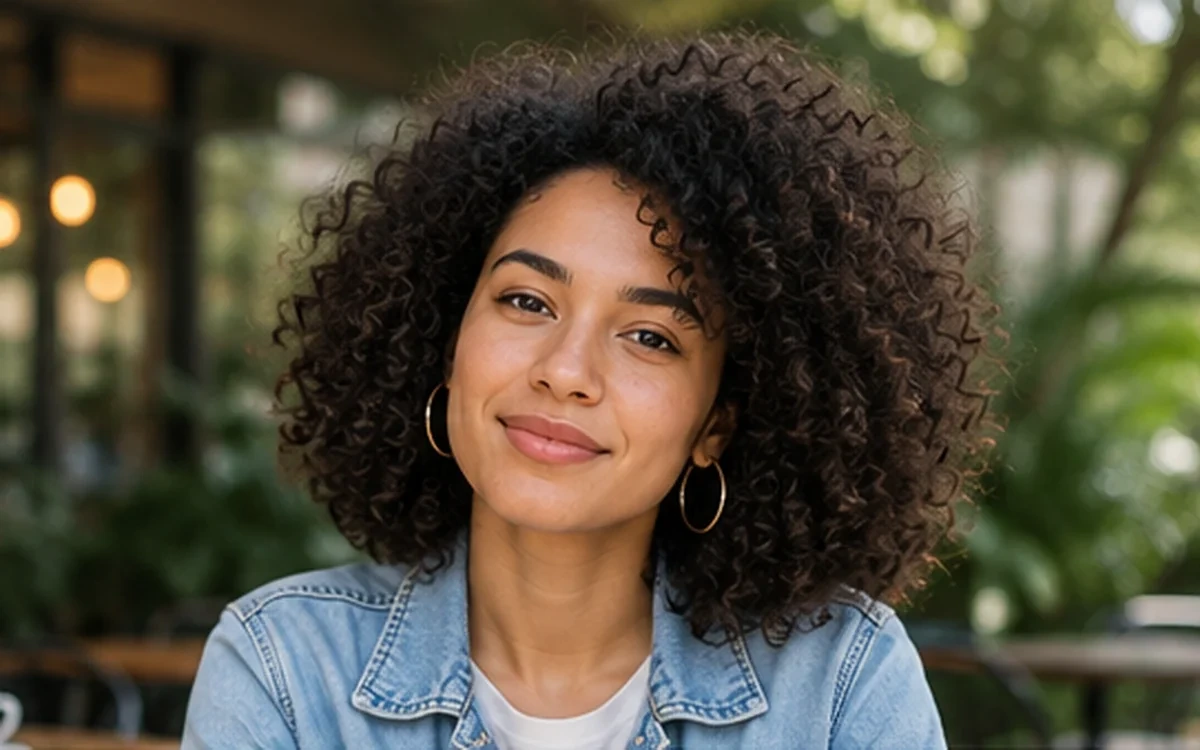
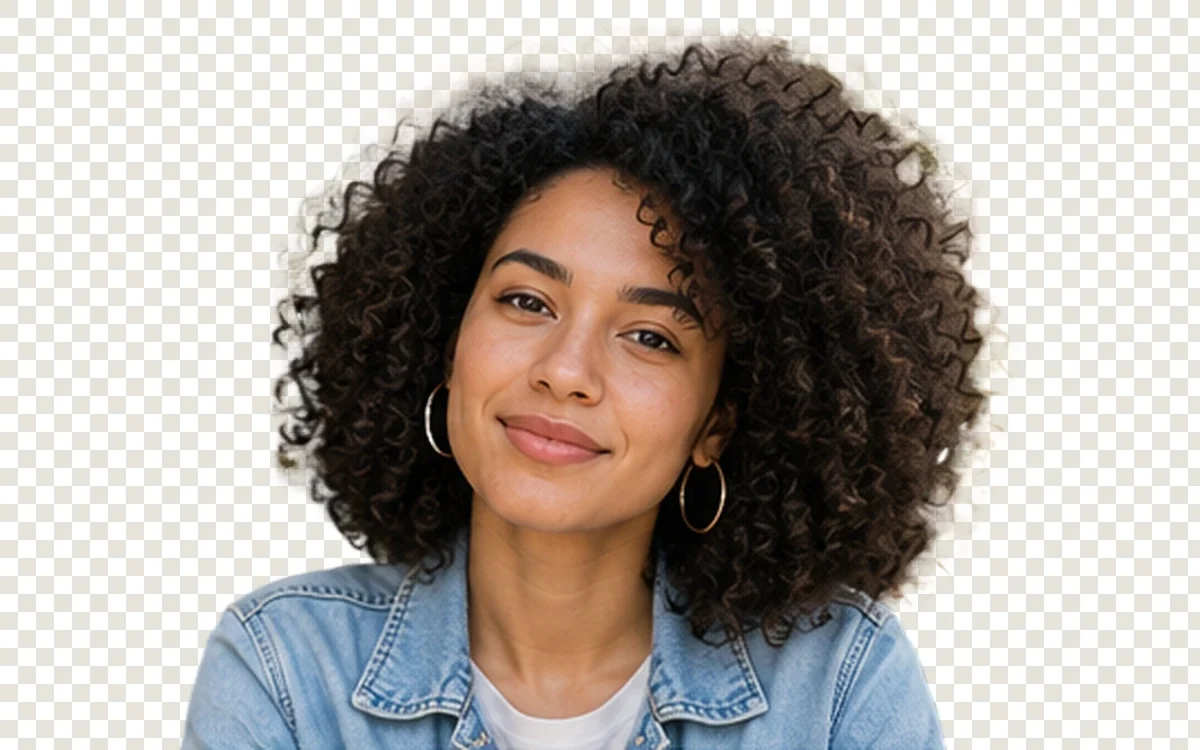
Example result dimensions
Workflow
- 1Upload a well-lit portrait with visible separation from the background.
- 2Choose Portrait & hair for difficult curls or fine edges.
- 3Inspect hair, ears, jewelry, shoulders, and semi-transparent areas.
- 4Download the PNG and test it on both light and dark backgrounds.
Continue with the result in another ImageAI tool when another step is needed.
FAQ
Common questions for this workflow
Can every strand of hair be preserved?
Not always. Fine hair and low-contrast backgrounds need close review and sometimes a better source photo.
Can I use the result for an ID document?
Use official document requirements and manual review. AI processing can alter edges and may not be accepted by the issuing authority.
Why test on light and dark backgrounds?
A halo that is hard to see on one background can become obvious on another.
ImageAI
Open ImageAIVerify the workflow with your own image.
Sign in to process your image, keep history across devices, and manage credits.