
Example source dimensions
Handmade listing workflow
Prepare a consistent Etsy photo set.
Use background cleanup, targeted enhancement, and limited upscaling while protecting grain, weave, brushwork, engraving, glaze, irregular edges, and personalization.
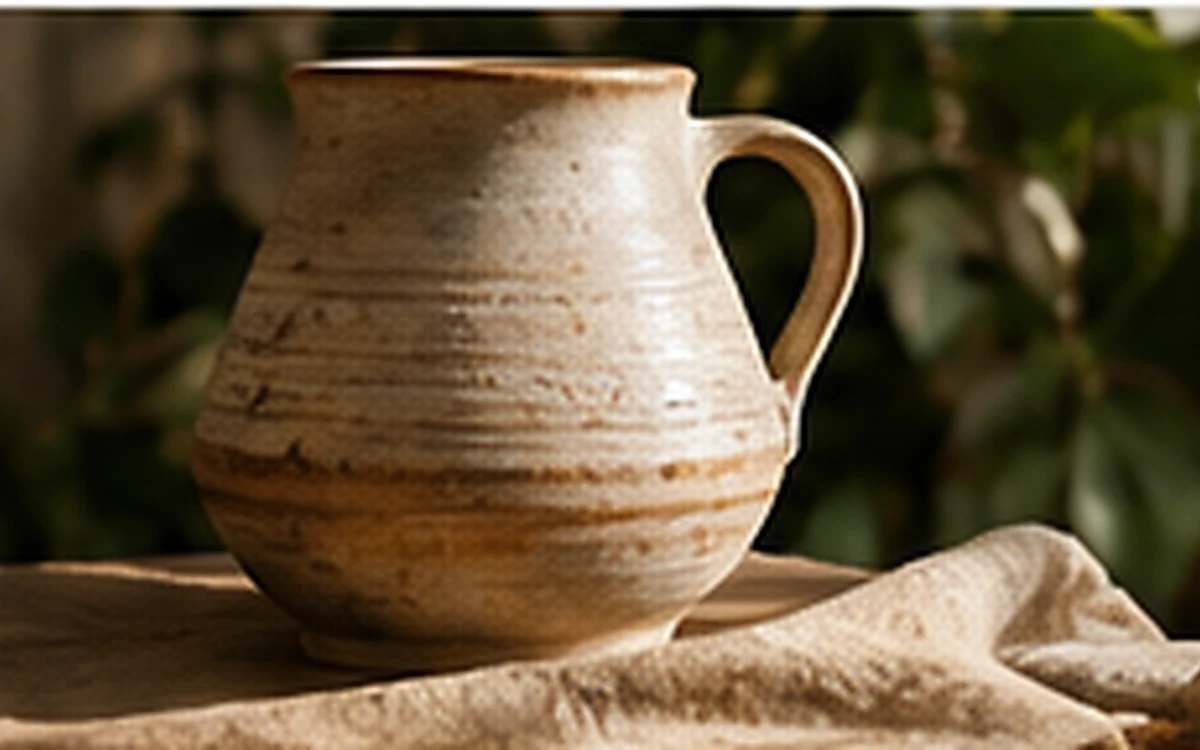
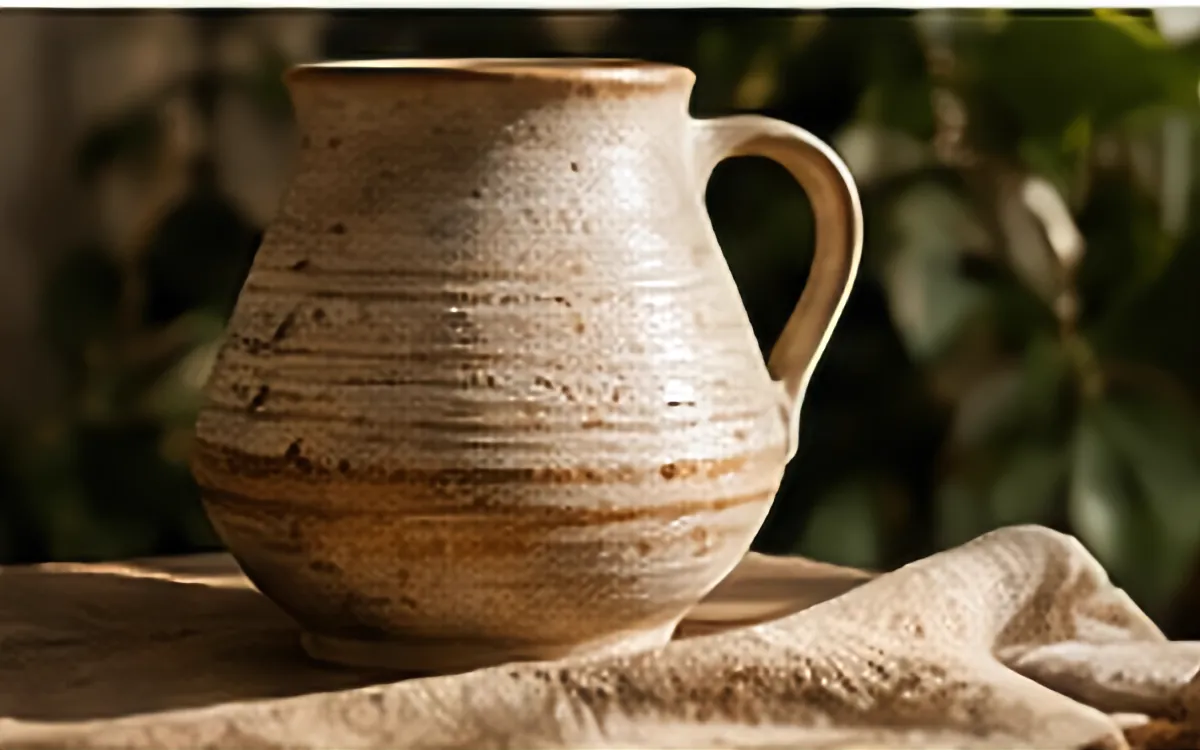
Example result dimensions
Workflow
- 1Plan the primary, detail, scale, angle, and packaging images as one set.
- 2Use one tool only when it solves a visible problem.
- 3Inspect handmade texture, engraving, color, and personalized text.
- 4Export a consistent set and verify the platform's current requirements.
Continue with the result in another ImageAI tool when another step is needed.
FAQ
Common questions for this workflow
Can enhancement standardize every handmade item?
Do not remove natural differences that are material to the item. Standardize presentation, not the product itself.
Should text be reconstructed by AI?
No. Important personalization should remain readable in the source or be recreated from the design file.
Can I use the same file for every channel?
Keep a master, then export for each current channel requirement.
ImageAI
Open ImageAIVerify the workflow with your own image.
Sign in to process your image, keep history across devices, and manage credits.