
Example source dimensions
Ecommerce enlargement
Upscale small product images.
Create a larger output for storefronts, presentations, and design work, then review labels, stitching, texture, and edges that AI may estimate.
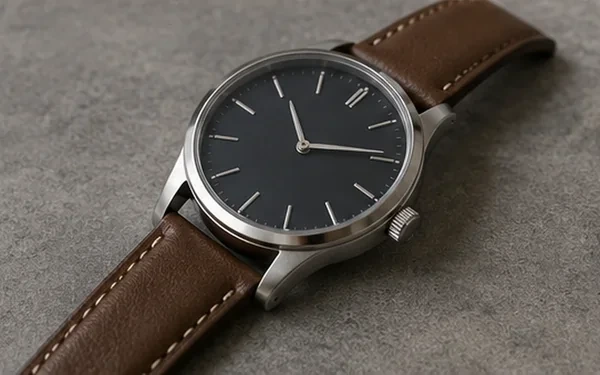
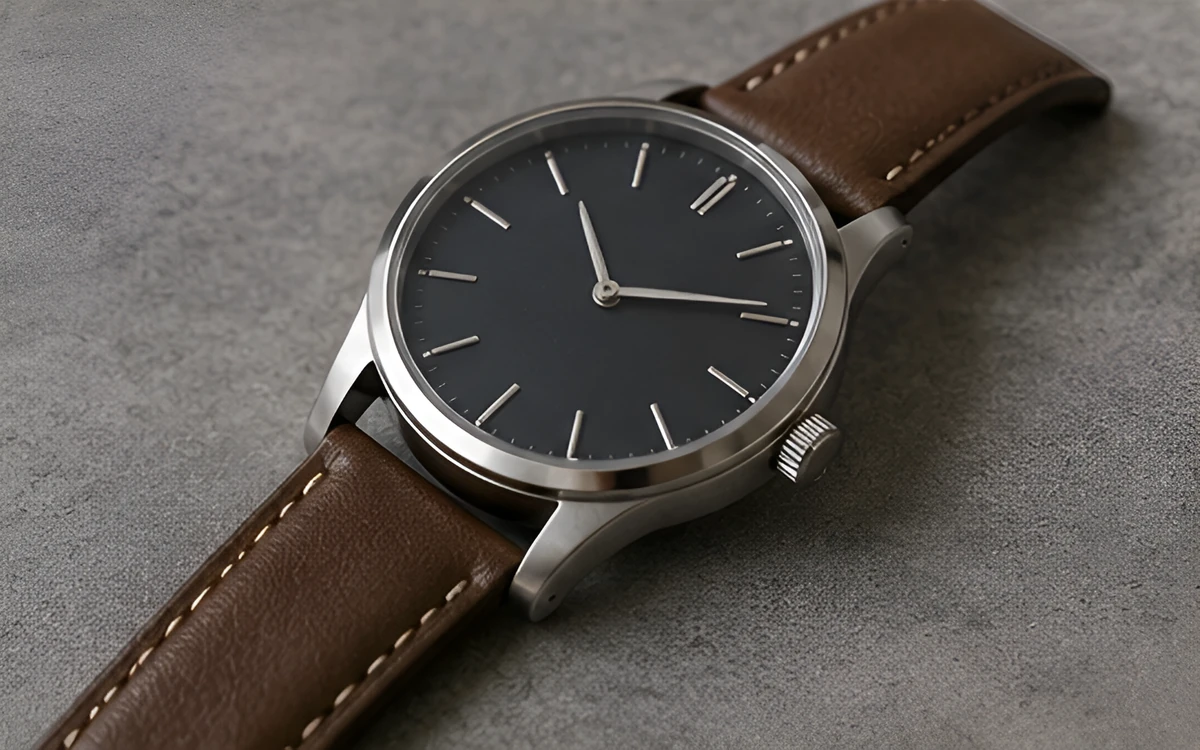
Example result dimensions
Workflow
- 1Upload the highest-quality source available.
- 2Try 2× first; use 4× only when the larger output is genuinely needed.
- 3Inspect logos, text, stitching, hands, and repeated patterns at 100% zoom.
- 4Export the result in the format appropriate for the final channel.
Continue with the result in another ImageAI tool when another step is needed.
FAQ
Common questions for this workflow
Is 4× always better than 2×?
No. A larger multiplier creates more estimated pixels and can amplify artifacts. Use the smallest scale that meets the final requirement.
Can upscaling recover original detail?
It can improve perceived clarity, but it cannot reliably recover detail that was never captured.
Should I upscale before removing the background?
For many product workflows, remove the background first and upscale the clean result, but compare both orders for difficult fine edges.
ImageAI
Open ImageAIVerify the workflow with your own image.
Sign in to process your image, keep history across devices, and manage credits.