
Example source dimensions
Creative enlargement
Enlarge illustrations and graphics.
Scale drawings and graphic assets for larger canvases while reviewing line weight, repeated shapes, speech bubbles, and embedded text.
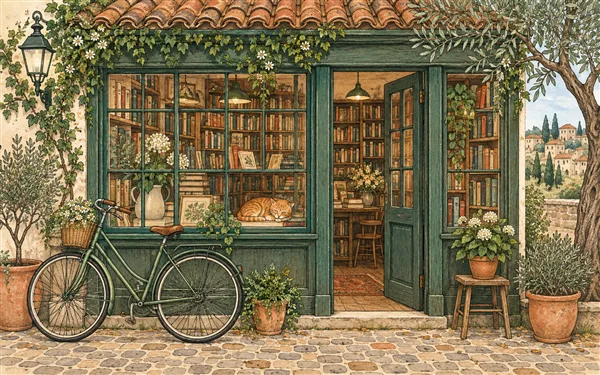
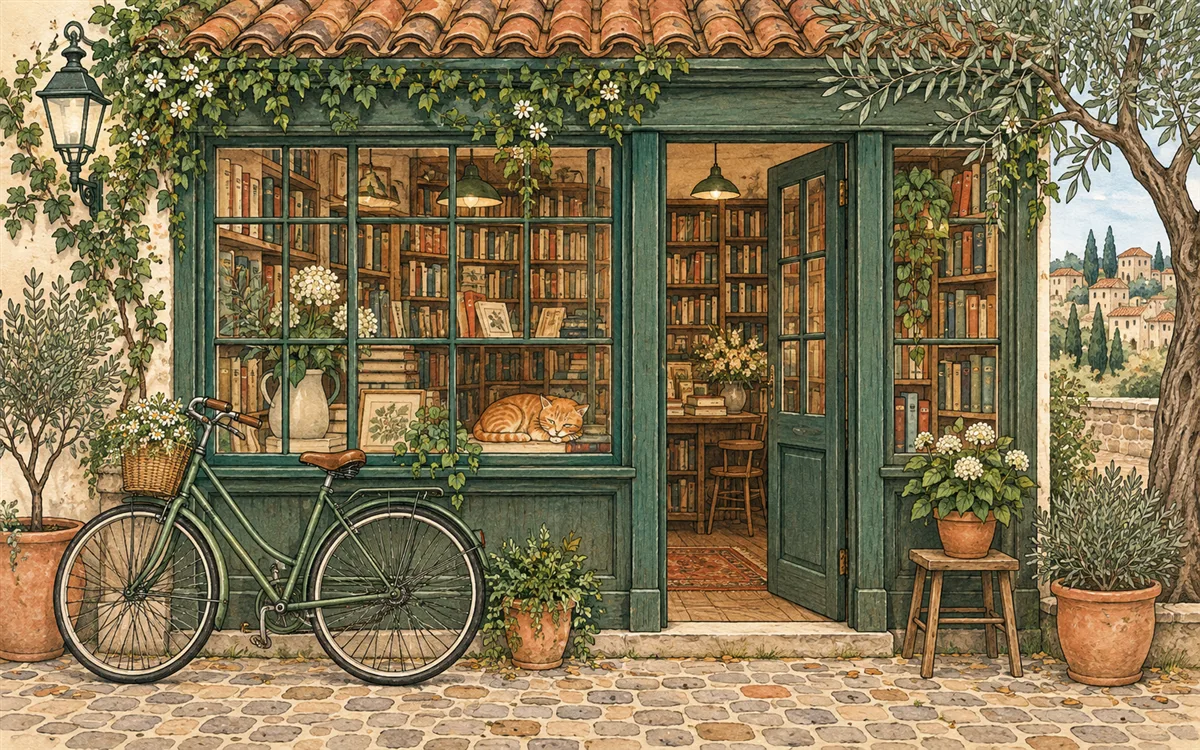
Resolution demonstration using generated sample artwork. Try your own image to evaluate AI results.
Example result dimensions
Workflow
- 1Upload a clean source without an unnecessary screenshot frame.
- 2Start with 2× and compare line edges before trying 4×.
- 3Inspect text, facial features, speech bubbles, repeated shapes, and flat colors.
- 4Export and verify the image at the final display size.
Continue with the result in another ImageAI tool when another step is needed.
FAQ
Common questions for this workflow
Does this create a true vector file?
No. The output is still a raster image with more pixels.
Can small text be corrected automatically?
Do not rely on it. Recreate important text in the design source when possible.
Which scale is best for social graphics?
Use the final platform dimensions to choose the smallest scale that provides enough pixels.
ImageAI
Open ImageAIVerify the workflow with your own image.
Sign in to process your image, keep history across devices, and manage credits.